See where the work stands
A shared matter register with a named owner, current status and the people involved. Open a file without asking who last worked on it.
Matter management for small law firms
Know who owns the work, what the client still needs to send, and which date comes next. Woodhouse brings the day-to-day detail of your matters together.
For the team
A shared working record.
For the client
Clear document requests.
For your inbox
Email filing, not more chat.
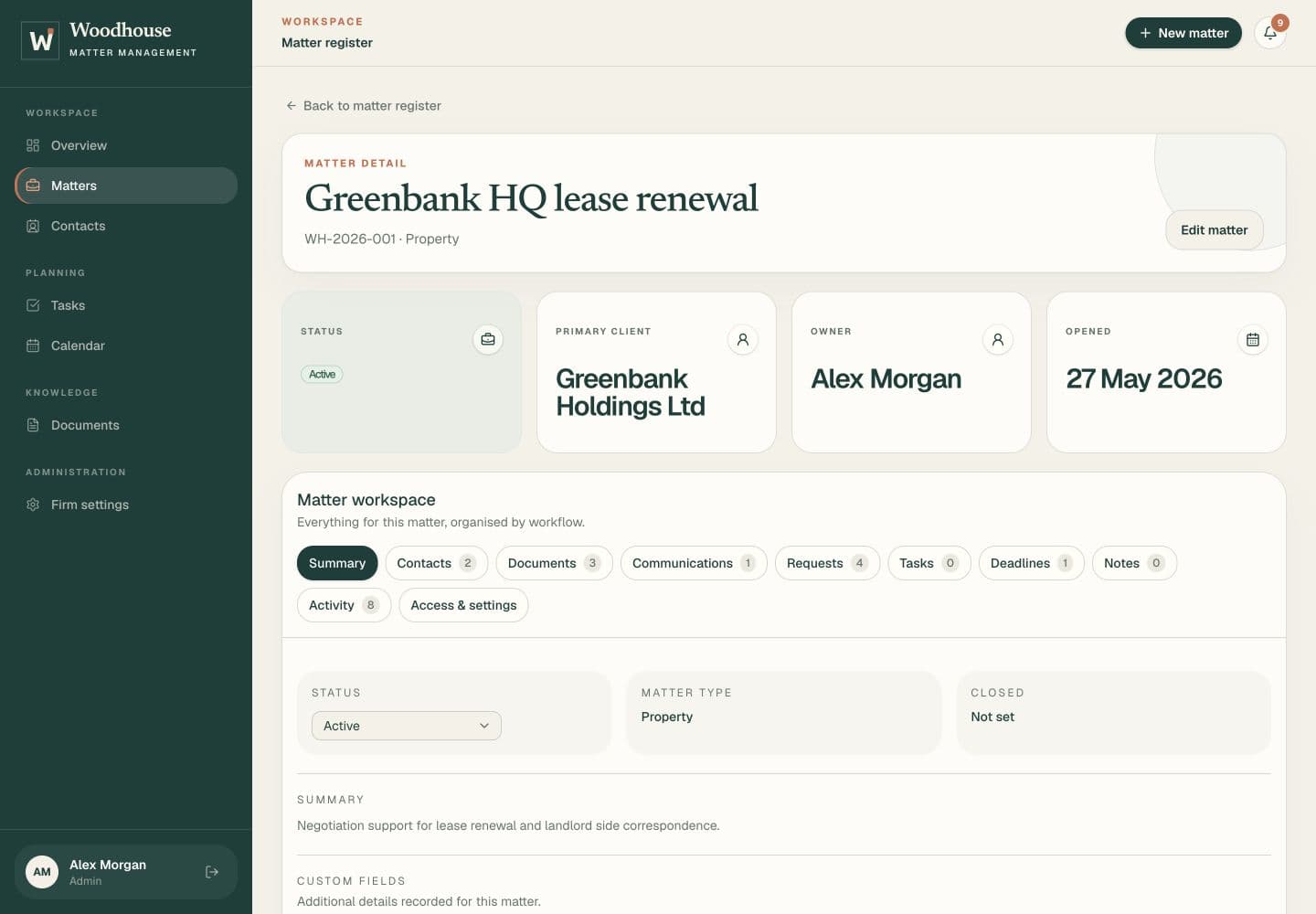
The firm’s working view
A handover should not mean piecing together an inbox, a shared drive and someone else’s to-do list. Give the team a record they can pick up and work from.
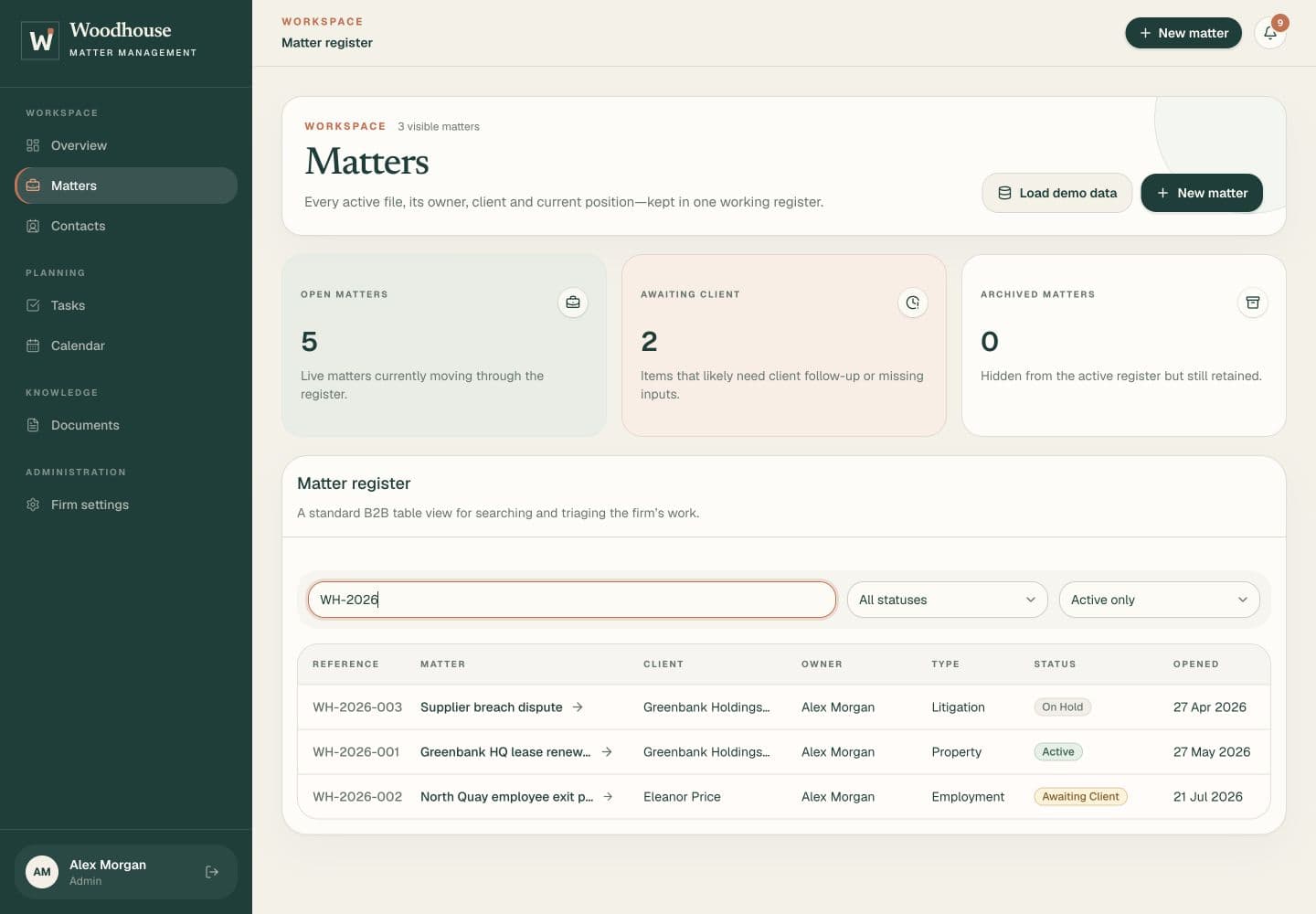
A shared matter register with a named owner, current status and the people involved. Open a file without asking who last worked on it.
Assign tasks, record key dates and see outstanding work across the firm. The detail stays attached to its matter.
Client records, files, notes and correspondence belong together. Pick up a matter with its history in front of you.
Correspondence, on the record
You do not need another place to have a conversation. Use your normal email account, and put the correspondence on the matter when it belongs there.
wh-7k9m-2p4q@inbound.woodhouse.legalA separate address for every matterSend and reply from the inbox you already use.
Each matter has its own filing address. Copy it into BCC, or forward a thread to it.
The email and its attachments arrive on the matter, ready for the team to read and download.
A simpler client handover
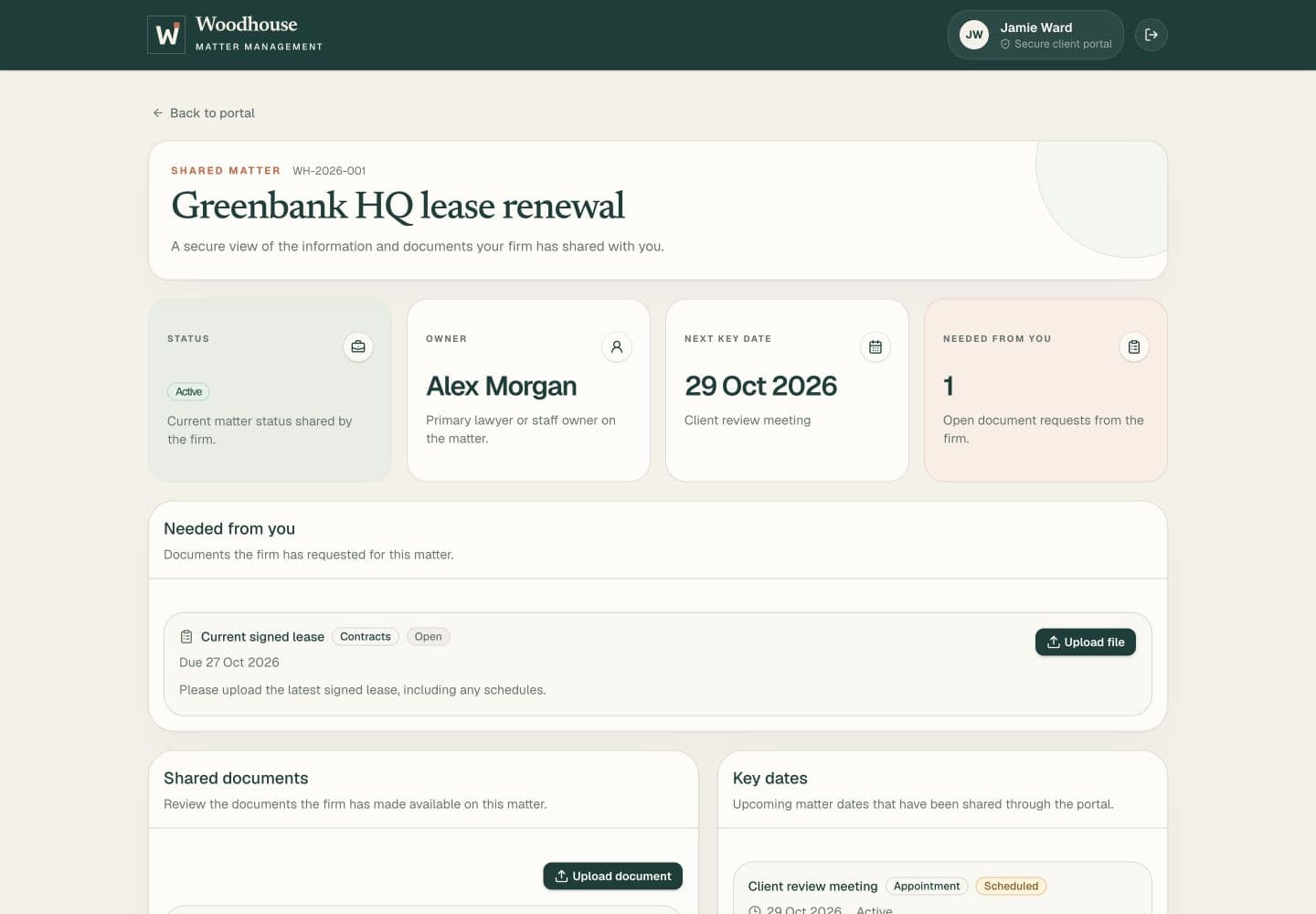
Send a specific request with instructions and a due date. Your client gets an email, opens their portal and uploads the file. The request is marked fulfilled and your team is notified.
Small law firms and independent practices that need a shared record of matters, documents, tasks and key dates. It is focused on day-to-day matter work, not running every part of a legal business.
No. Conversation stays in your normal inbox. The portal gives clients somewhere to see document requests, upload files and review the information your team has shared.
Every matter has a generated address. BCC it when sending an email, or forward an existing thread from your registered staff email address. Woodhouse retains the message, original email and attachments on the matter.
Not yet. Woodhouse currently covers matter and contact records, documents, client requests, tasks, manually recorded key dates, notes and email filing. Time recording, billing, external calendar sync and e-signatures are separate future work.
Still exploring?
Get the guide now, then five short emails over the next month about matters, the client portal, switching and trying Woodhouse. Unsubscribe at any time.
Woodhouse
Bring the people, documents and next steps into one working record.